Dagster plugin
The dagster plugin bundles the dagster-expert skill and the Dagster+ MCP server. The plugin is compatible with Claude Code, Cursor, OpenAI Codex, GitHub Copilot, OpenCode, Pi, and other Agent Skills-compatible tools.
Installing the Dagster plugin
- Claude Code
- Cursor
- Codex
- GitHub Copilot
-
Install and sign in to Claude Code using the setup guide.
-
In Claude Code, add the Dagster marketplace:
/plugin marketplace add dagster-io/skills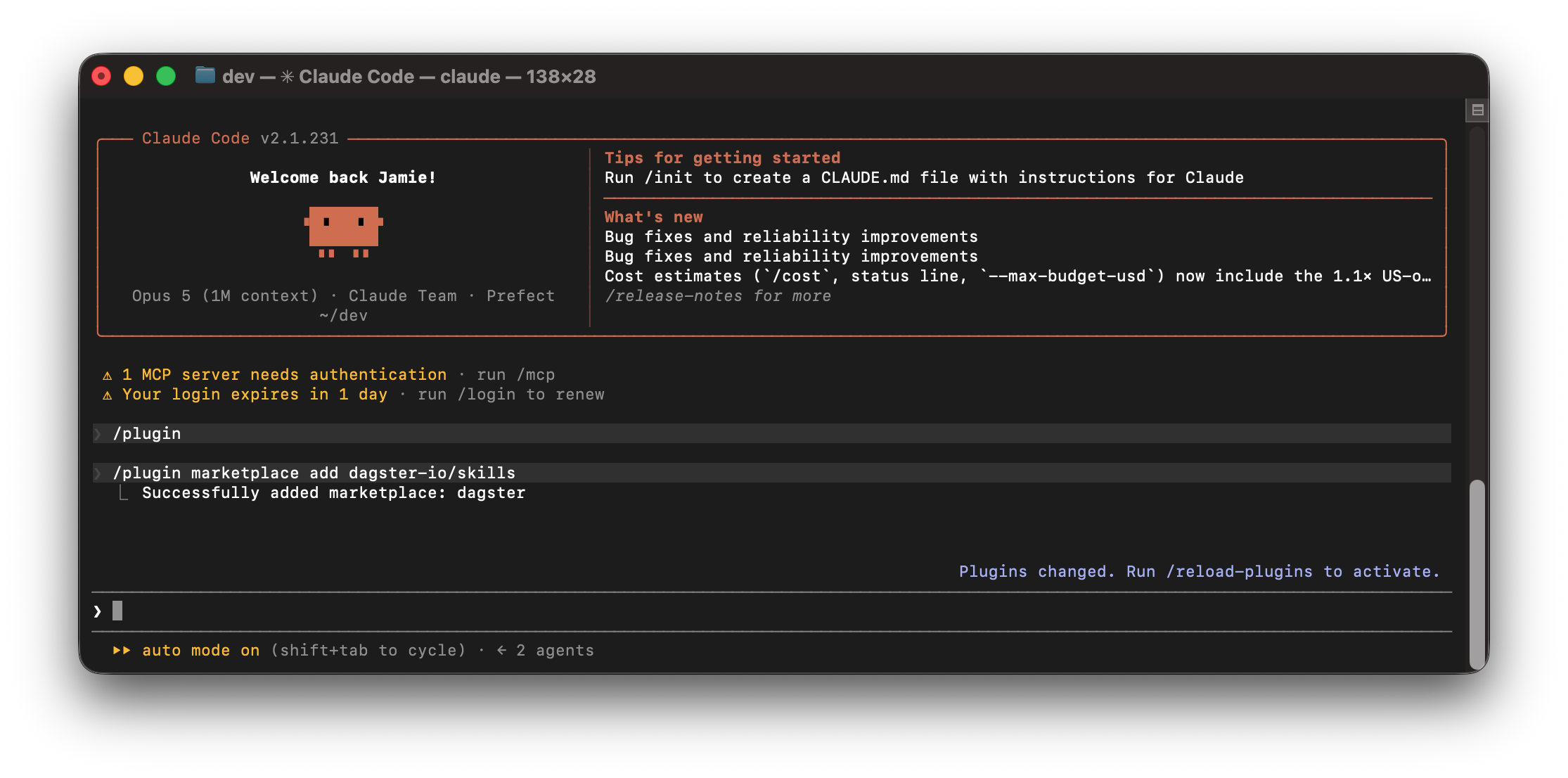
-
Install the
dagsterplugin:/plugin install dagster@dagster -
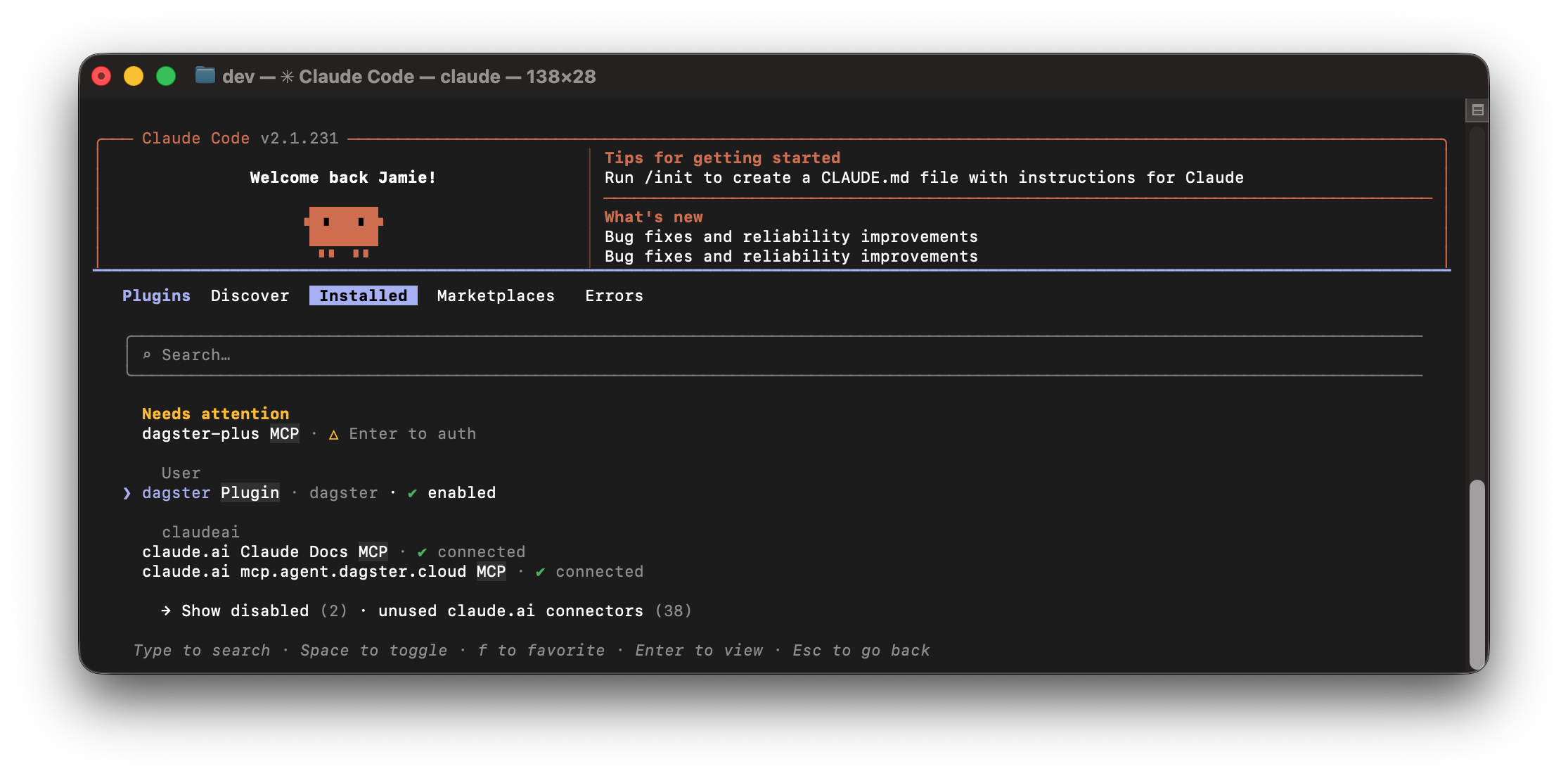
To confirm the plugin is installed, open the plugin list:
/pluginSwitch to the Installed tab and confirm you see dagster enabled. If it is disabled, enable it before continuing.
-
(Optional) Authenticate the Dagster+ MCP server by typing
/mcpand selecting thedagster-plusMCP server. SelectAuthenticateand follow the instructions.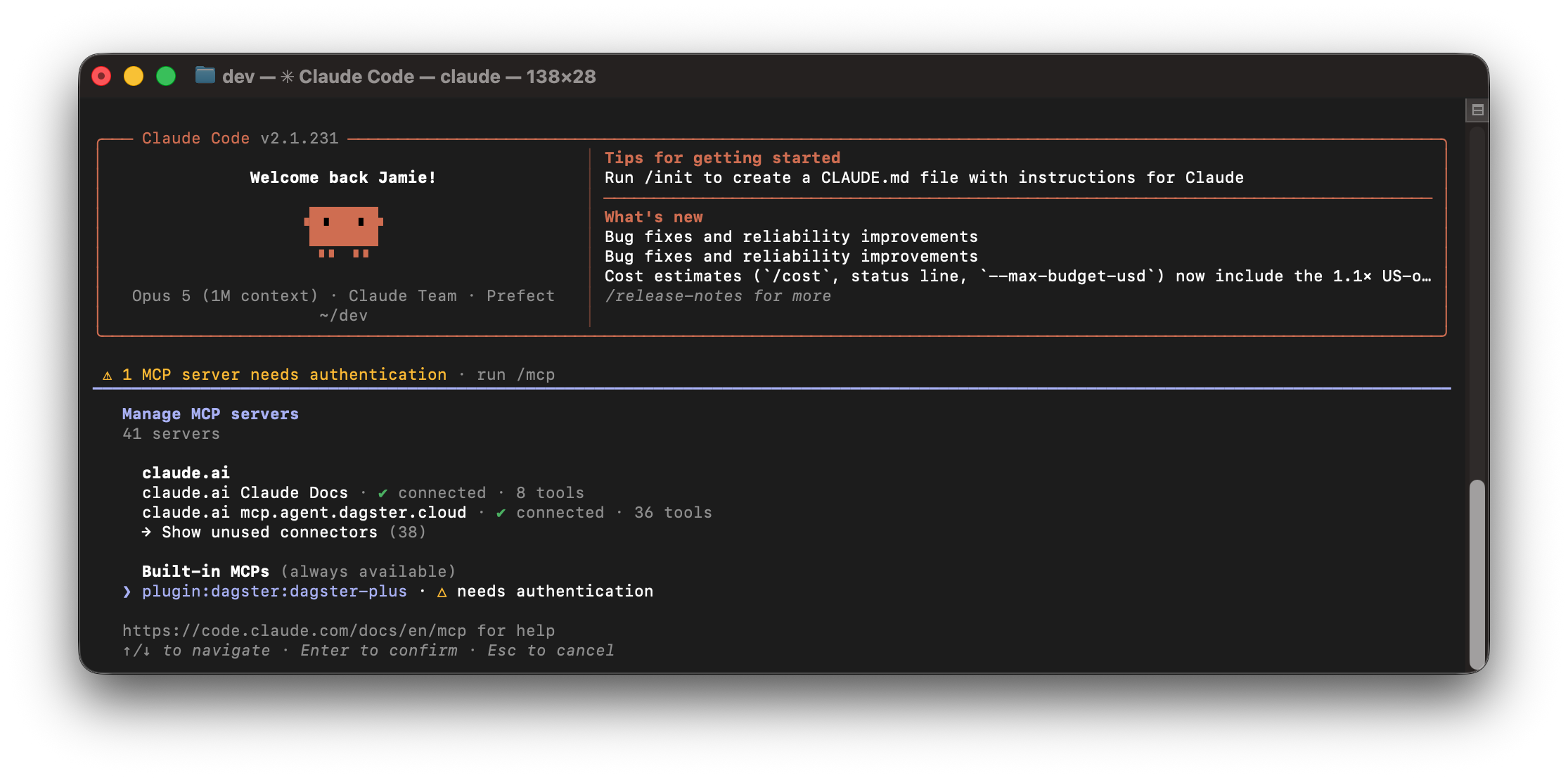 For EU users
Users with Dagster+ organizations in the EU region need to set an environment variable to configure the MCP server.
export DAGSTER_CLOUD_MCP_URL=https://mcp.agent.eu.dagster.cloud/mcpThen follow the authentication instructions in your Claude Code session.
The Dagster plugin can be installed from the official Cursor marketplace:
-
Install Cursor from cursor.com and sign in.
-
Open the Customize page in Cursor.
-
Search for
Dagster, then clickAddto add theDagsterplugin.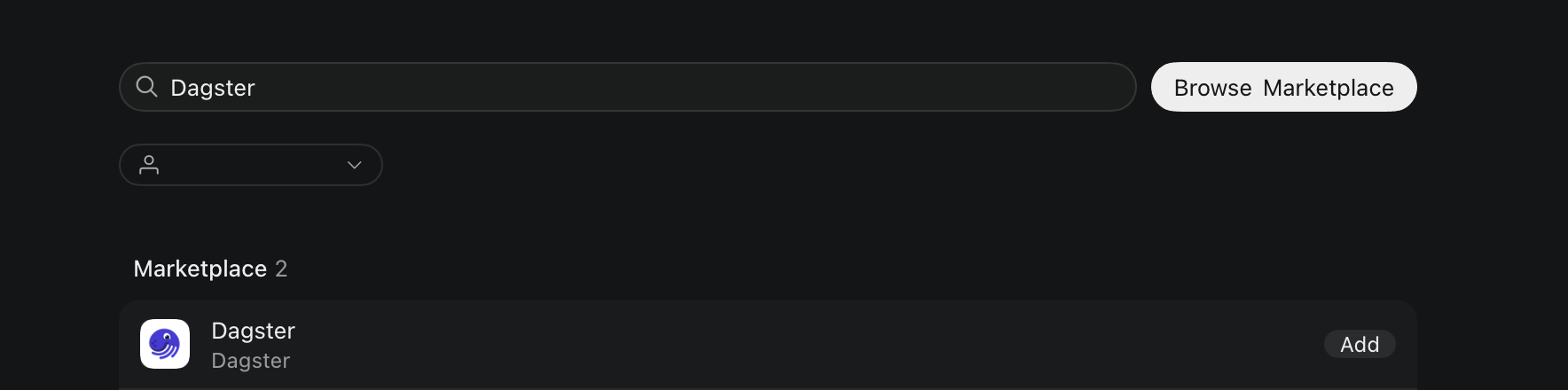
-
Install Codex from the official setup guide and sign in.
-
In your terminal, add the
dagstermarketplace to Codex:codex plugin marketplace add dagster-io/skills --ref release-stable -
Install the
dagsterplugin:codex plugin add dagster@dagster -
In Codex settings or the skill list, confirm the
dagster-expertskill is enabled.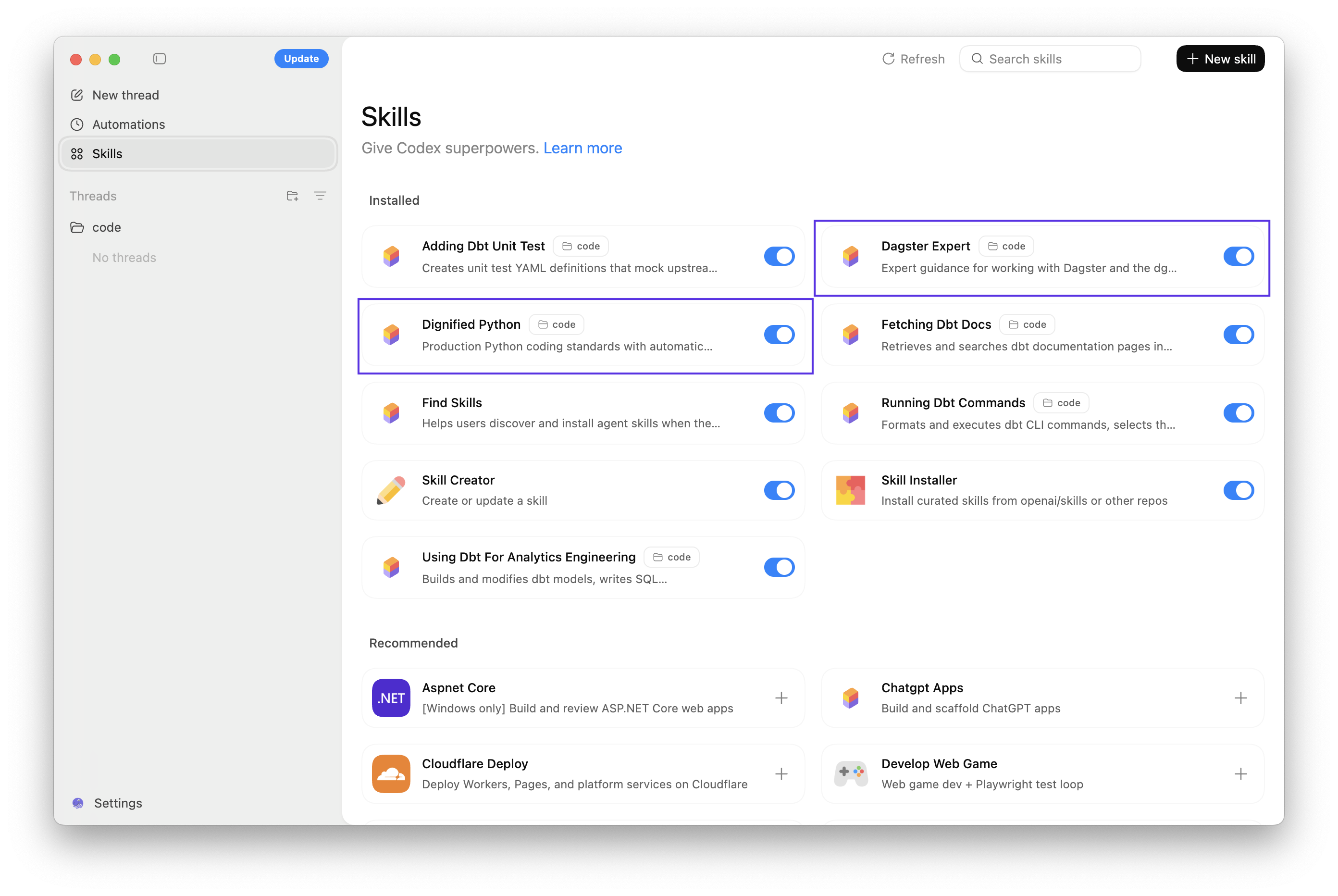
-
Install the GitHub Copilot extension and the GitHub Copilot Chat extension in VS Code, then sign in with your GitHub account.
-
Install the GitHub Copilot CLI.
-
To add the Dagster plugin, run the following command in your terminal:
copilot plugin install dagster-io/skills:plugins/dagster -
In the Copilot Chat panel, verify that the
dagster-expertskill is enabled.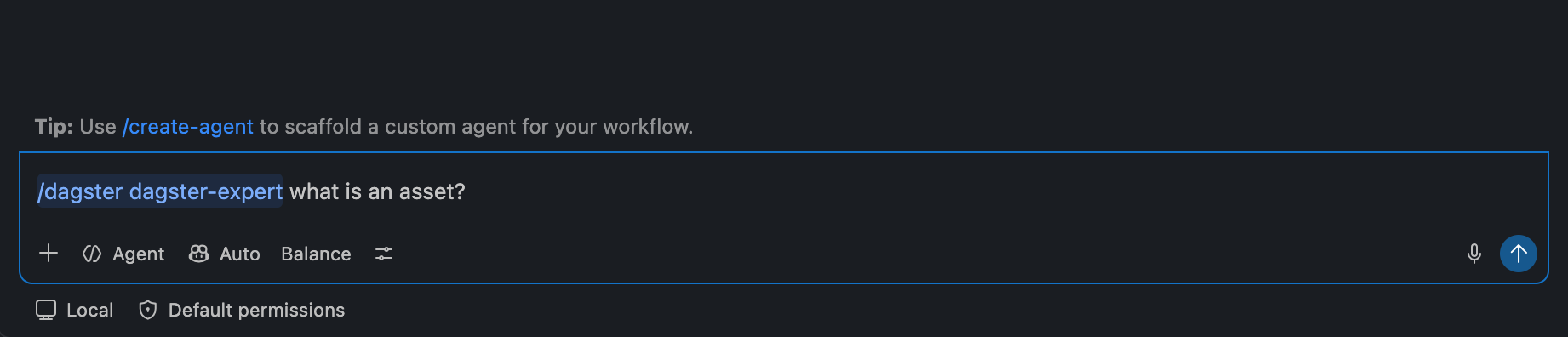
The dagster-expert skill was previously published as part of a plugin called dagster-expert. As of September 14, 2026, the dagster-expert plugin is deprecated and the dagster-expert skill is published as part of the dagster plugin. The dagster-expert skill itself is unchanged and is still invoked with /dagster-expert.
The dagster-expert plugin remains installable to prevent sudden breakages, but has been replaced with a stub skill that carries no guidance and points to instructions to migrate to the dagster plugin. To migrate, uninstall the dagster-expert plugin and follow the installation instructions for the dagster plugin.