AI skills for Dagster
Dagster maintains an AI skill that gives coding agents better context and patterns for building Dagster projects. With this skill installed, your agent can help you create robust data pipelines according to Dagster best practices.
About Dagster skills
A skill is a structured document that your AI coding agent loads when you invoke it. Skills tell agents what to do and how -- for example, which CLI commands to use, how to structure assets, and which patterns to follow.
Dagster maintains the dagster-expert skill in the dagster-io/skills repository. It provides expert guidance for building production-quality Dagster projects, covering dg CLI usage, asset patterns, automation strategies, and implementation workflows.
Installing Dagster skills
- Claude Code
- Cursor
- GitHub Copilot
- Codex
-
Install and sign in to Claude Code using the setup guide.
-
In Claude Code, add the Dagster skills from the plugin marketplace:
/plugin marketplace add dagster-io/skills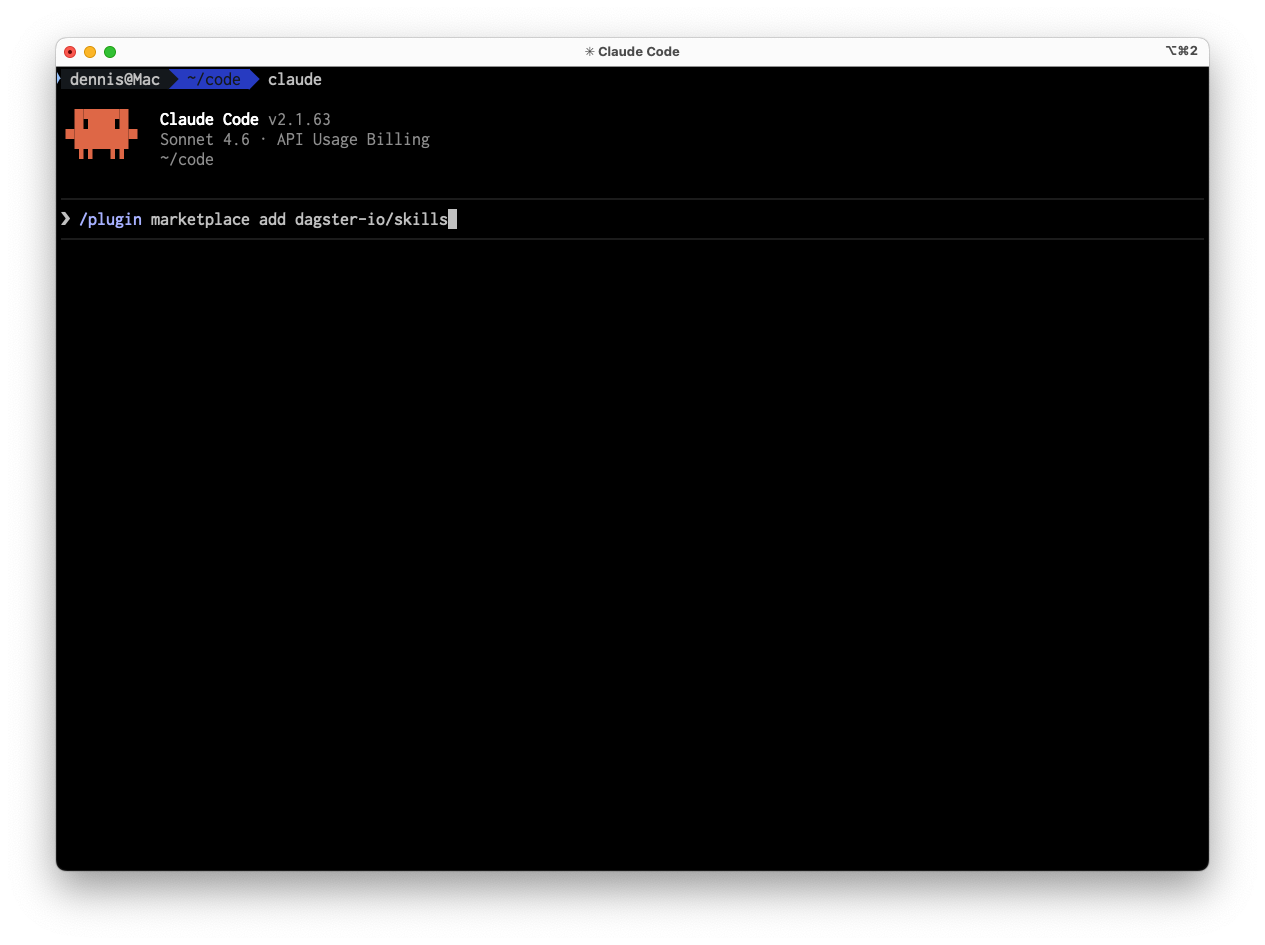
-
Install the
dagster-expertskill from the plugin:/plugin install dagster-expert@dagster -
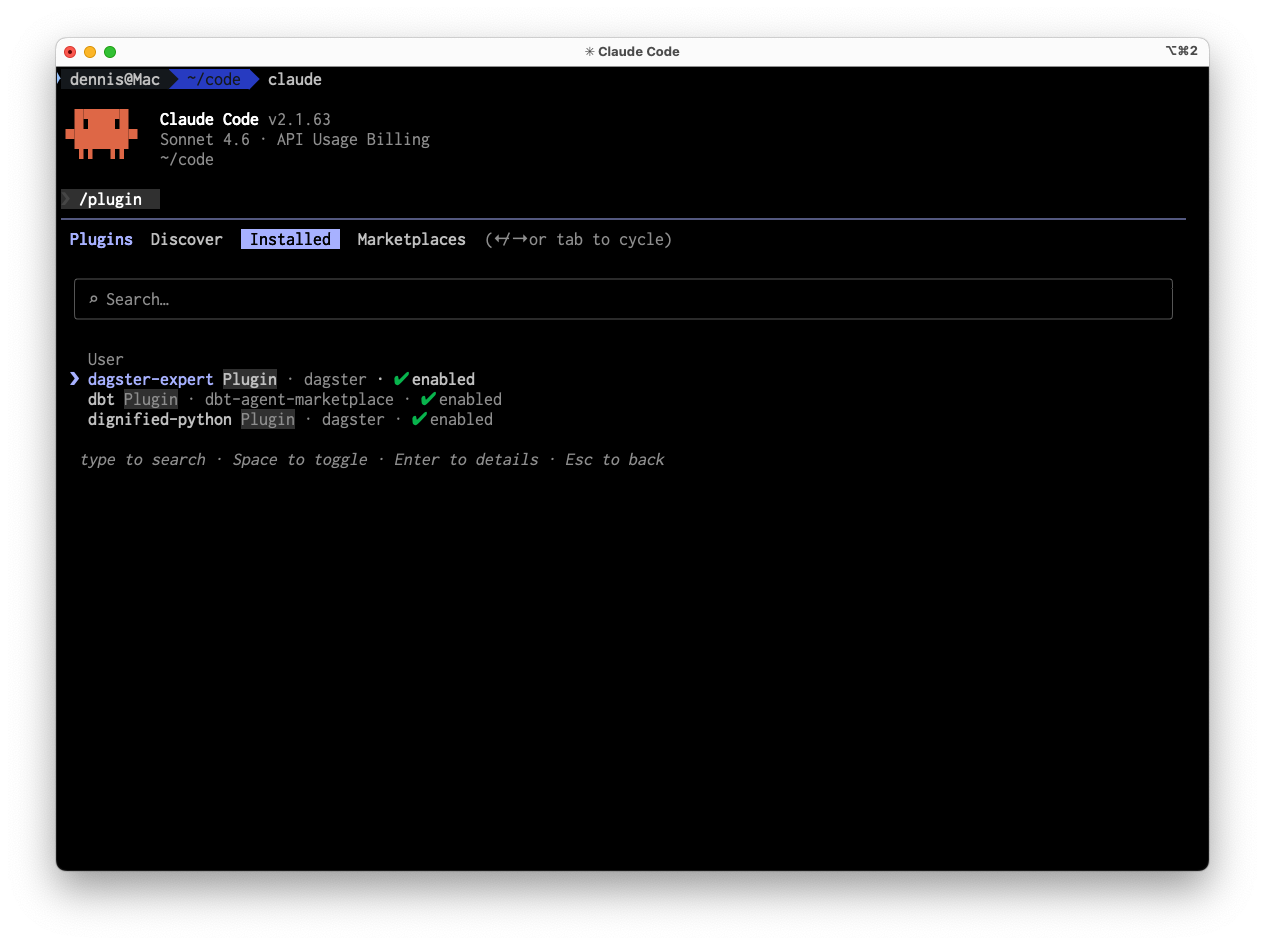
To confirm the skill is enabled, open the plugin list:
/pluginSwitch to the Installed tab and confirm you see dagster-expert: enabled. If it is disabled, enable it before continuing.
To install Dagster skills with Cursor, you will need npx, which comes with Node.js. To install Node.js, see the official website.
-
Install Cursor from cursor.com and sign in.
-
Use the
npxcommand to install Dagster skills:npx skills add dagster-io/skills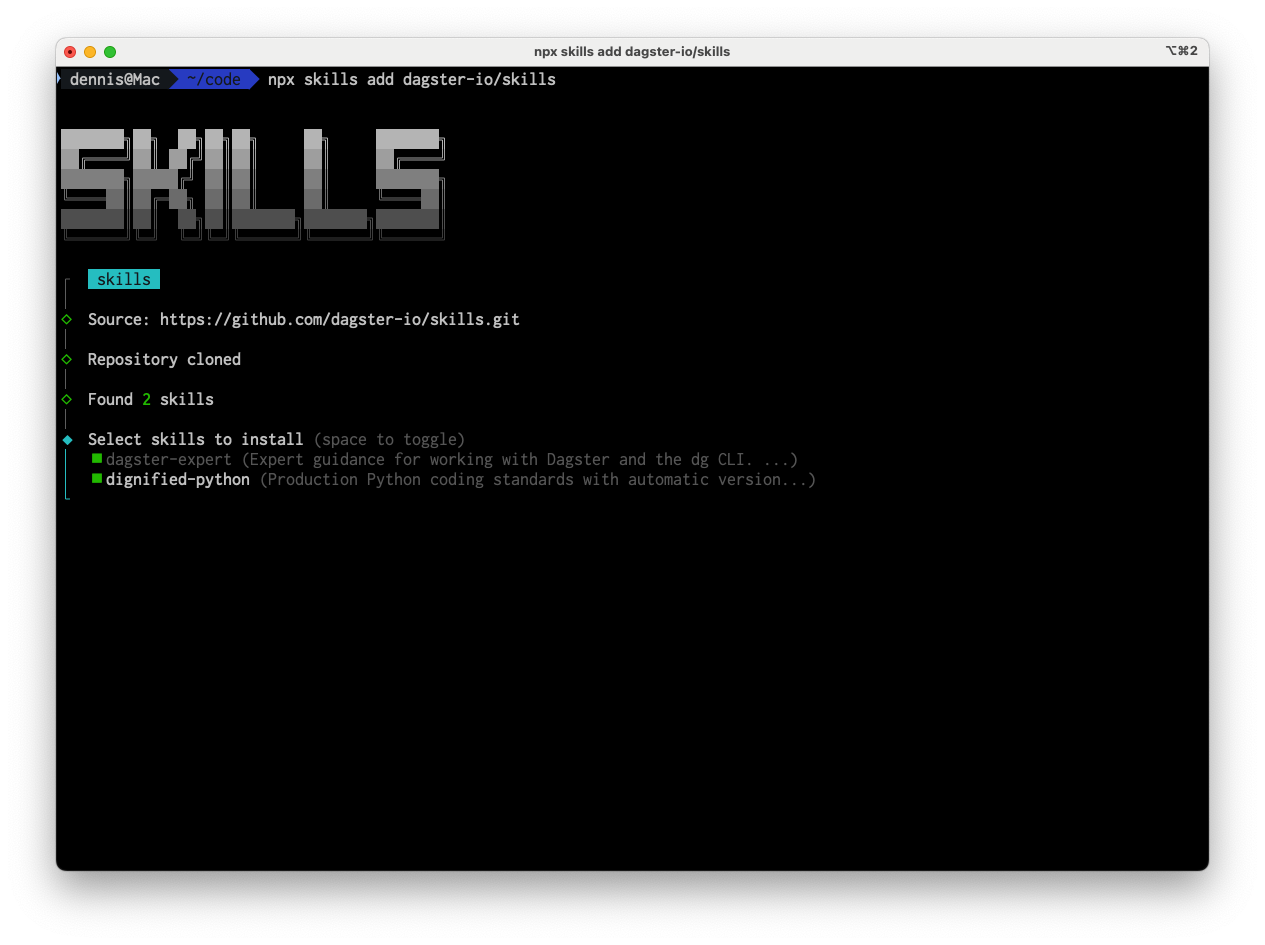
-
To confirm the skill is enabled, open Cursor's Agent panel and look for
dagster-expert.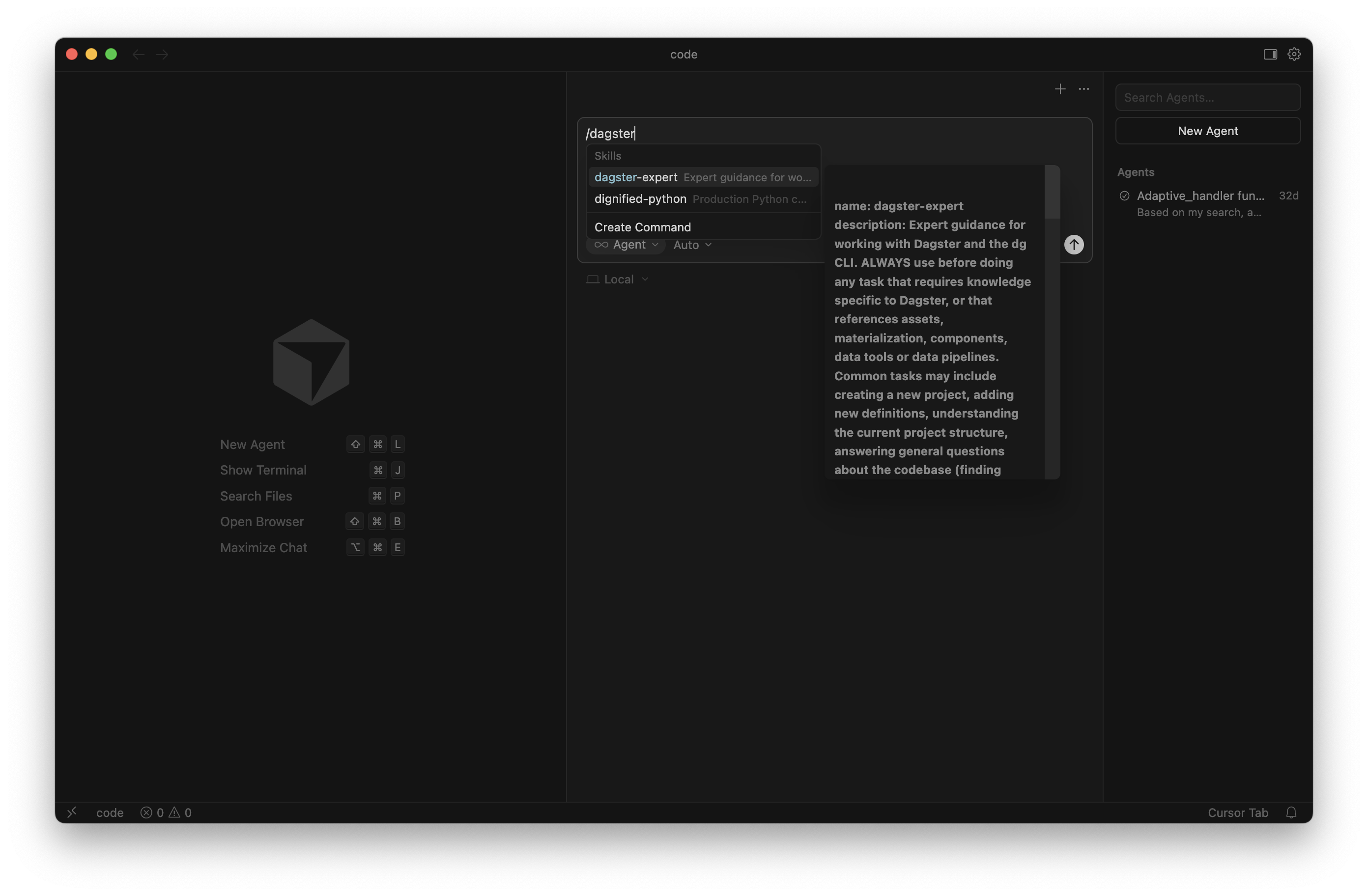
To install Dagster skills with GitHub Copilot, you will need npx, which comes with Node.js. To install Node.js, see the official website.
-
Install the GitHub Copilot extension and the GitHub Copilot Chat extension in VS Code, then sign in with your GitHub account.
-
In the Copilot Chat input bar, switch to Agent mode using the mode selector (look for the "Ask" / "Edit" dropdown). Without Agent mode, Copilot will suggest commands for you to run manually rather than executing them itself.
-
To add the Dagster skills, run the following command in your terminal:
npx skills add dagster-io/skills -
In the Copilot Chat panel, verify that the
dagster-expertskill is enabled.
To install Dagster skills with Codex, you will need npx, which comes with Node.js. To install Node.js, see the official website.
-
Install Codex from the official setup guide and sign in.
-
To add the Dagster skills, run the following command in your terminal:
npx skills add dagster-io/skills -
In Codex settings or the skill list, confirm the
dagster-expertskill is enabled.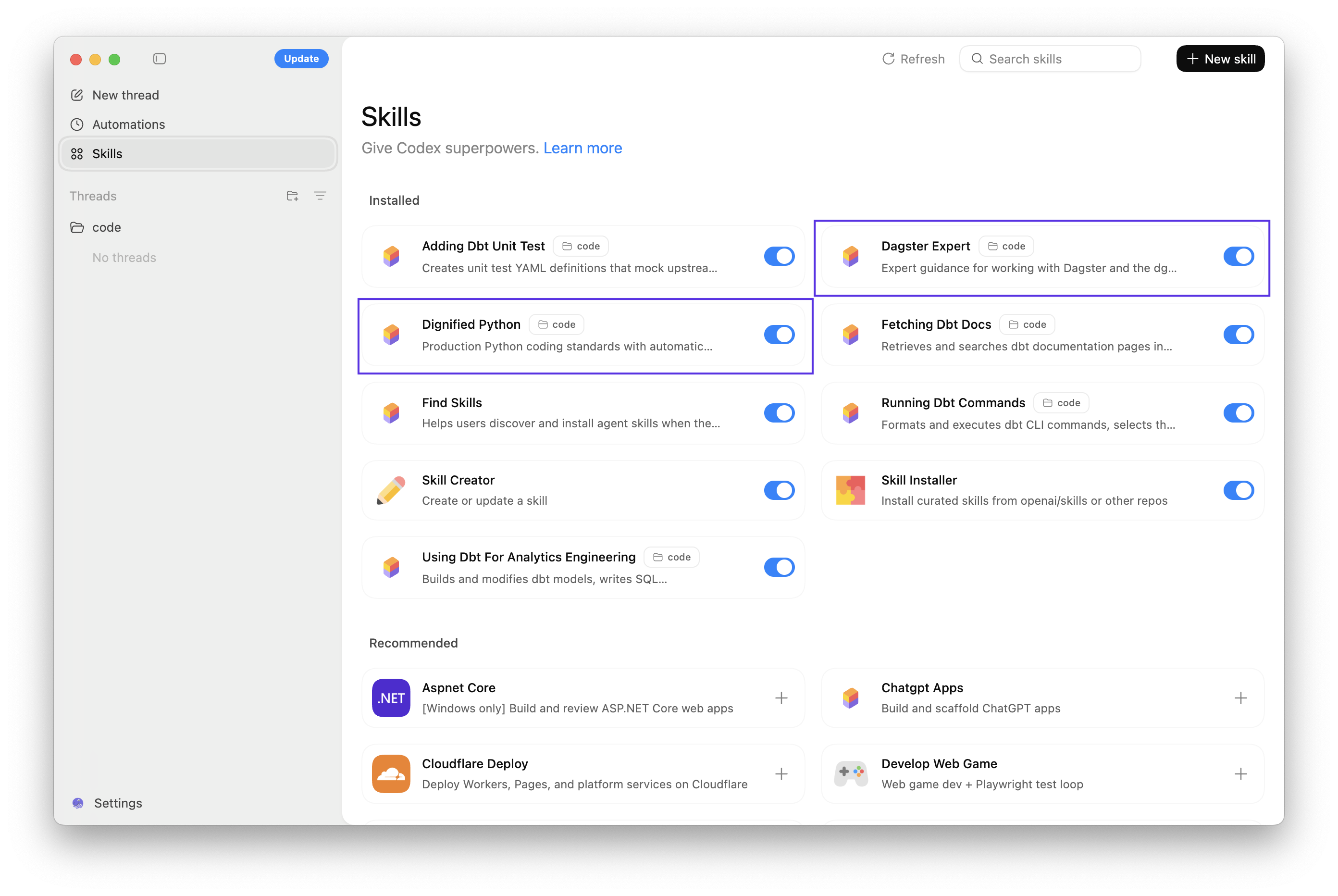
Invoking Dagster skills
- Claude Code
- Cursor
- GitHub Copilot
- Codex
In Claude Code, invoke the skill using the namespaced format:
/dagster-expert create a new Dagster project called my-pipeline
In Cursor, invoke the skill by name:
/dagster-expert create a new Dagster project called my-pipeline
In GitHub Copilot, invoke the skill by name:
/dagster-expert create a new Dagster project called my-pipeline
In Codex, invoke the skill by name:
/dagster-expert create a new Dagster project called my-pipeline
Next steps
- Follow the Quickstart to scaffold your first Dagster project
- Learn more in the AI-Driven Data Engineering course on Dagster University