Dagster+ project (code location) history and rollbacks
This feature is only available in Dagster+.
Dagster+ automatically tracks metadata every time a project (code location) is loaded, which you can use to understand when changes have been made, and what those changes were. You can also use this metadata to quickly redeploy an older project version.
Viewing project history
- In the Dagster+ UI, navigate to the Deployment tab.
- In the row associated with the project you're interested in, click View history in the Updated column.
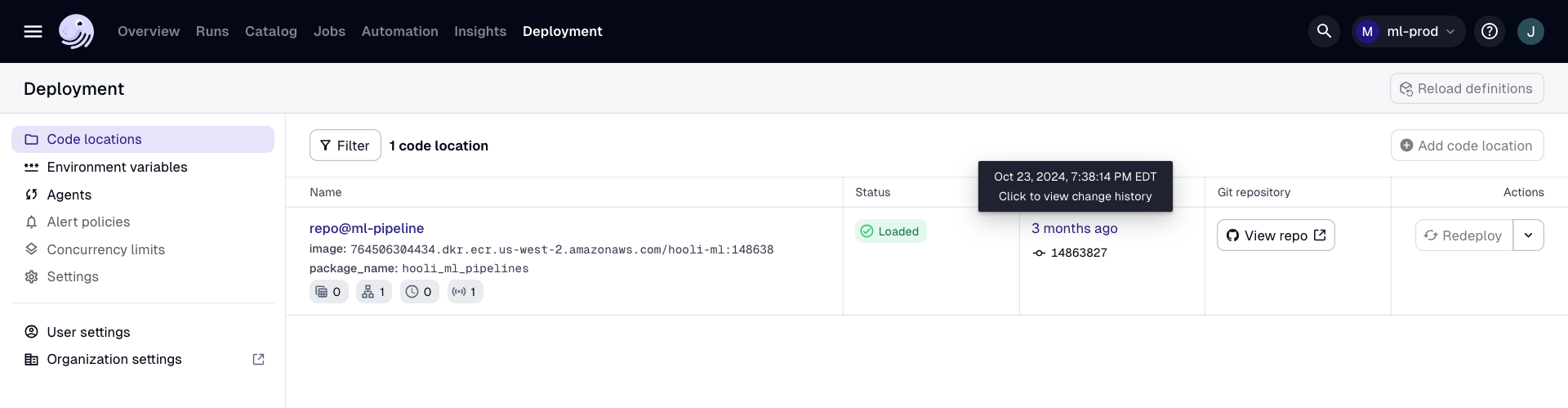
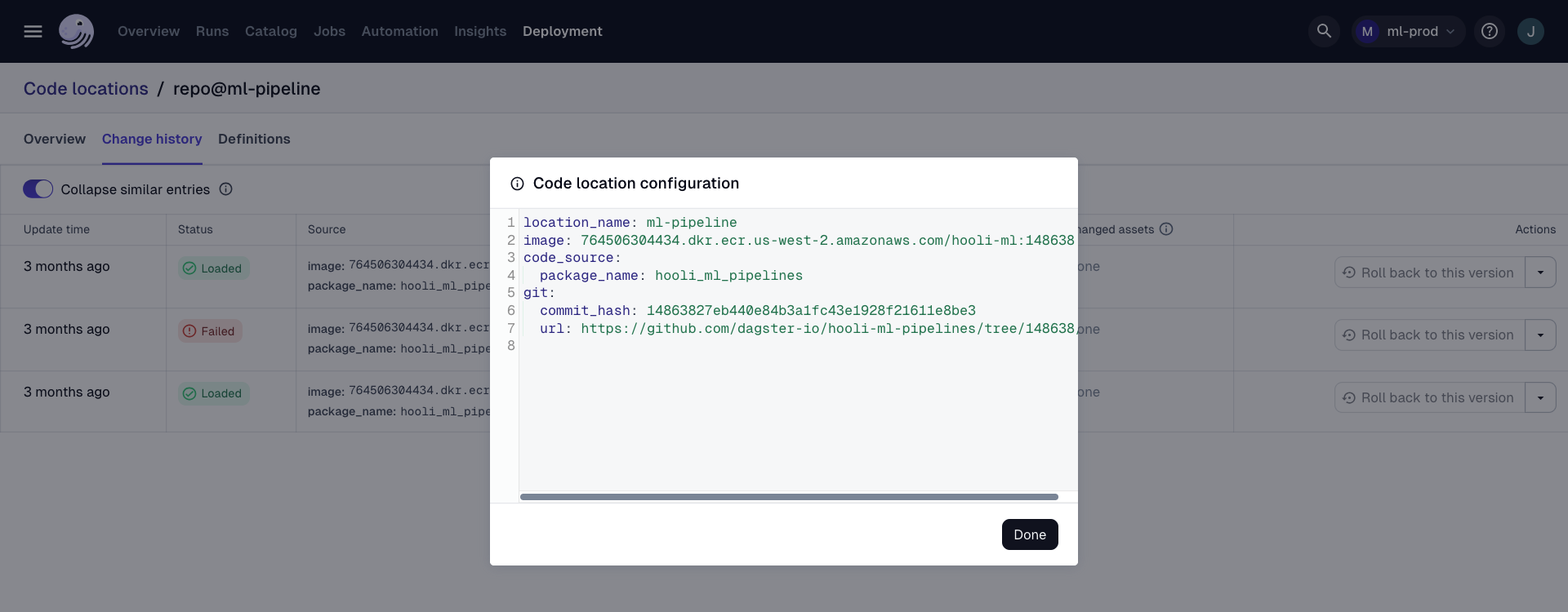
This will bring up a modal showing a history of every time that project has been loaded, and metadata associated with that load. If you have connected Dagster+ to a GitHub or GitLab repository, each row will have a link to the commit that was deployed at that point in time.
If a project has been deployed multiple times with identical metadata, these rows will be collapsed together. You can expand them by deselecting Collapse similar entries in the top left corner of the modal.
This metadata will also include information regarding assets that have been added, removed, or changed. In the Assets column, you can see the keys of assets in any of these categories.
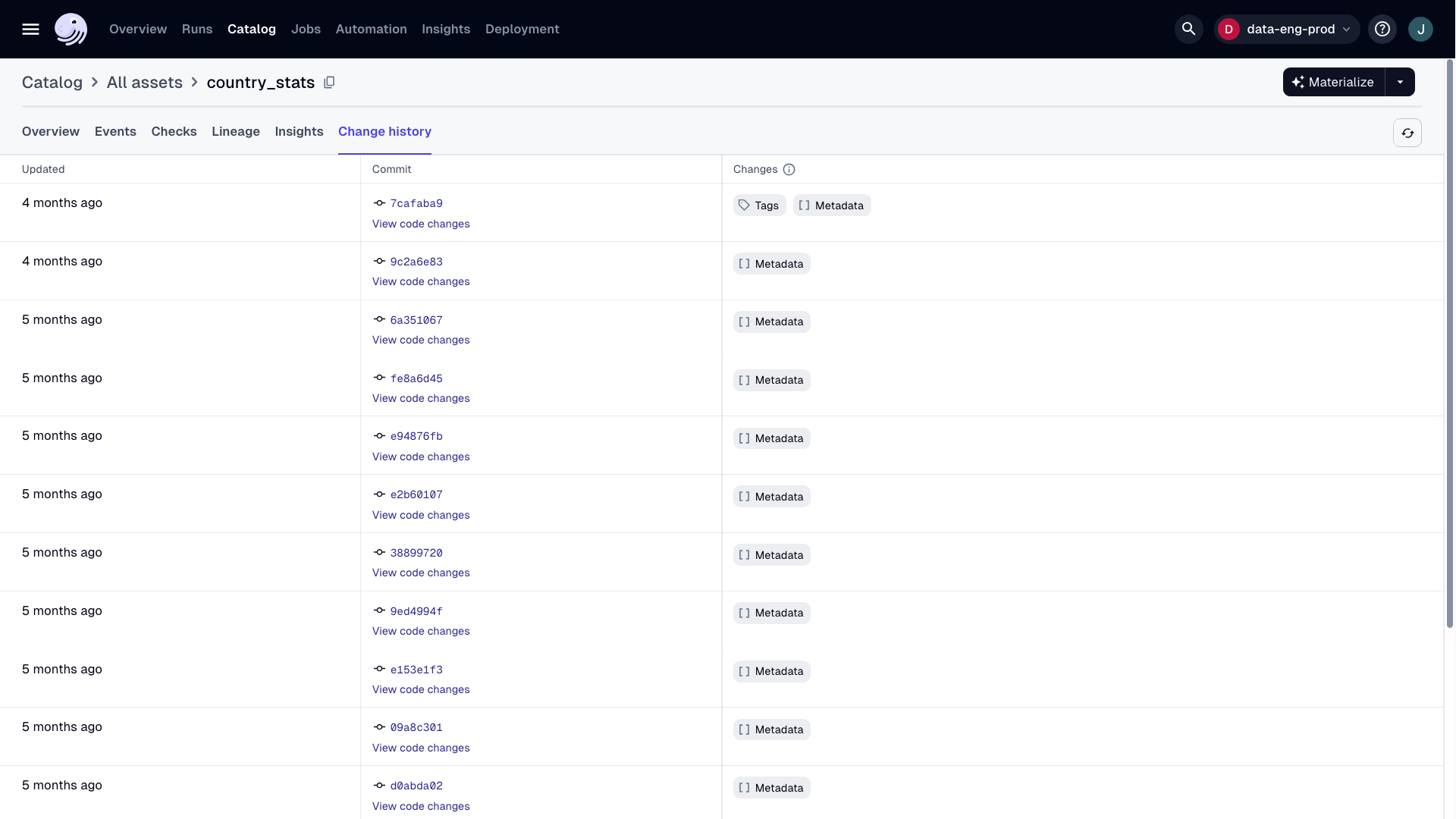
Currently, changes to code version, tags, metadata, dependencies and partitions definition are tracked. Clicking on any of these assets brings you to its Asset details page. Here, you can find the Change history tab, and see detailed information regarding each time the asset definition has changed.
Rolling back to a previous version
To initiate a rollback, you'll need Organization, Admin, or Editor permissions.
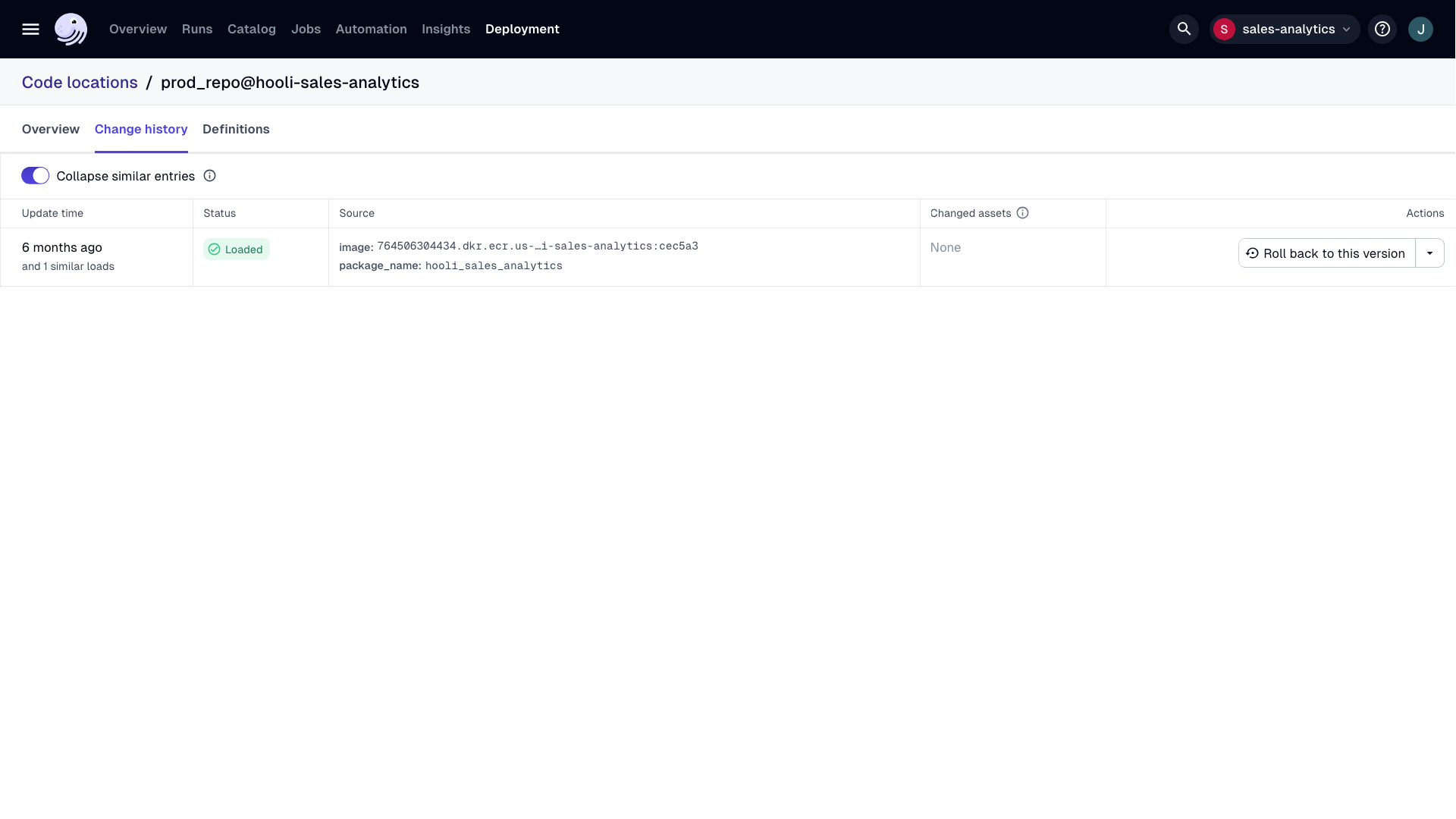
If you notice an issue with newly deployed code, or your code fails to deploy successfully, you can quickly roll back to a previously deployed image that's known to work properly.
- In the Dagster+ UI, navigate to the Deployment tab.
- In the row associated with the project you're interested in, click View history in the Updated column.
- In the Actions column click the dropdown menu to the right of View metadata, select Rollback to this version.
You can create an alert to let you know when a project fails to load.